
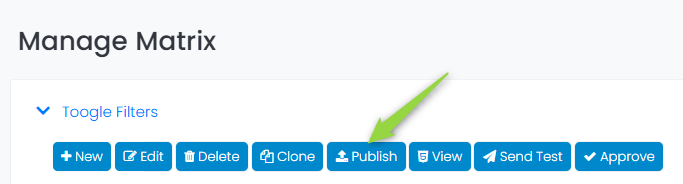
Once all blocks have been defined, to preview what various versions look like, or to send tests of each version, the matrix must first be published:
You can now view the different versions (permutations) of the email:
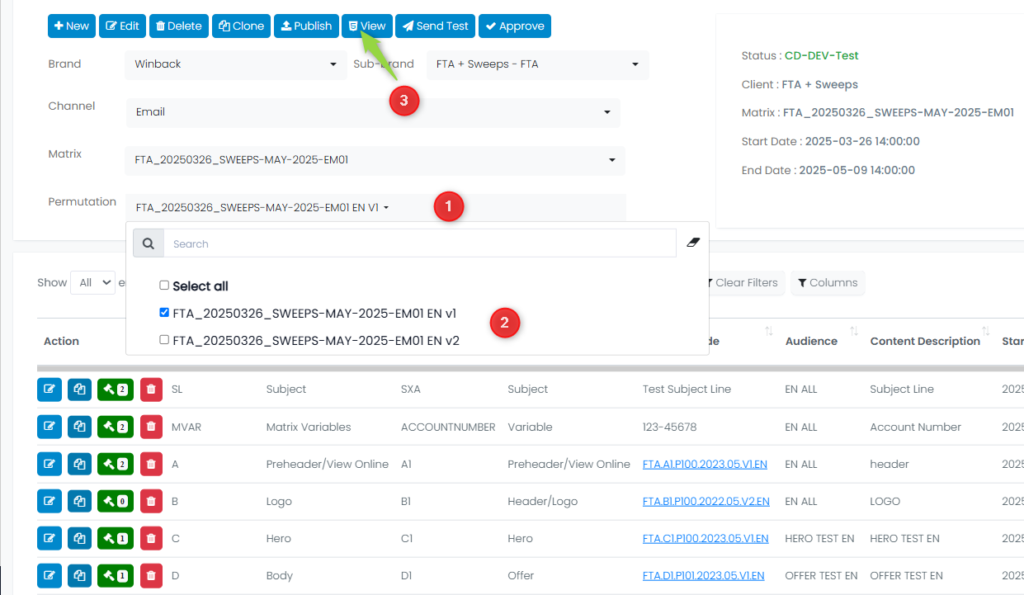
- Select the permutation you want to view
- Click to select the permutation
- Click the View button to see what that version (permutation) of the email looks like
Sending an email test:
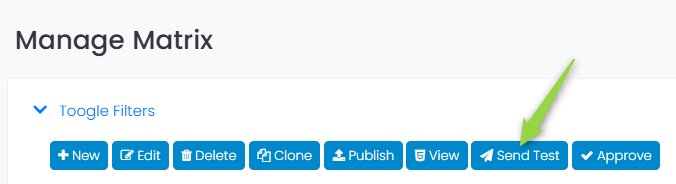
Next, choose the group to which you want the emails to be sent:
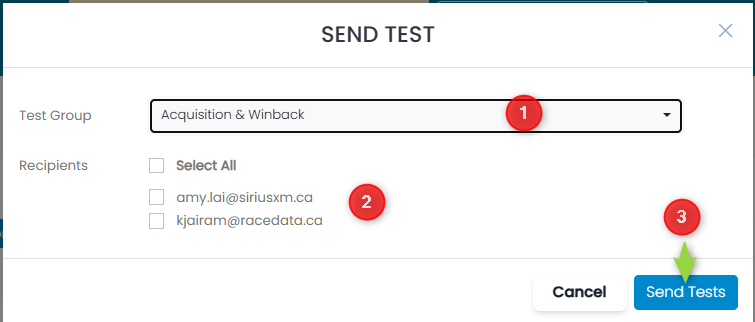
- Select the Test Group
- Toggle which Recipients should receive the test
- Click the Send Tests button to send
Note: When you make an update to a matrix, you must republish the matrix to view the permutations or send tests.