
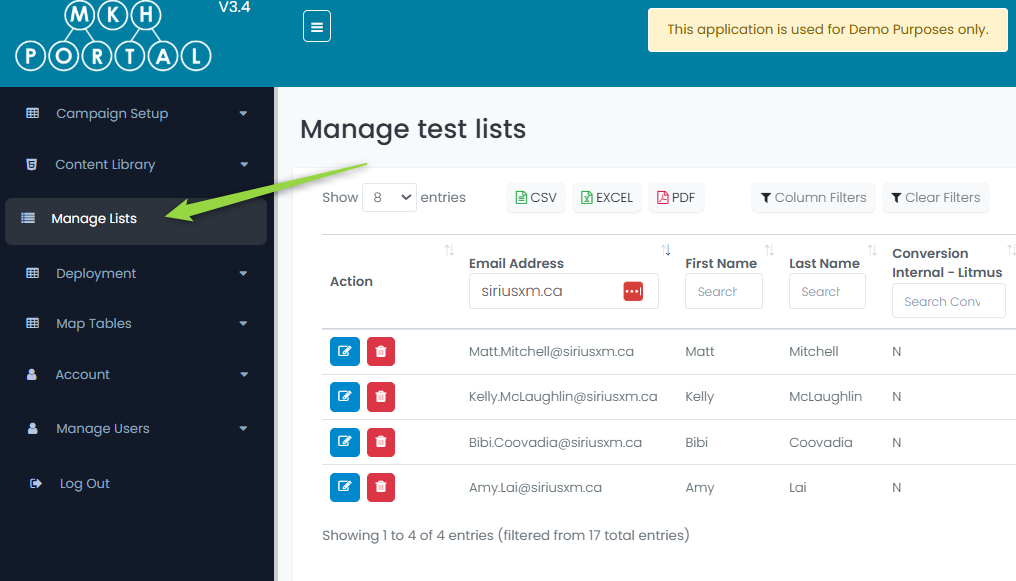
First, click on the Manage Lists option from the menu:
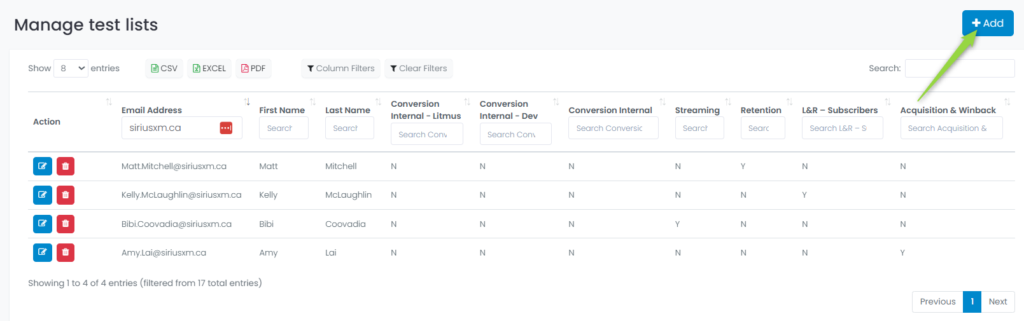
Next, click on the +Add button at the top right of the screen:
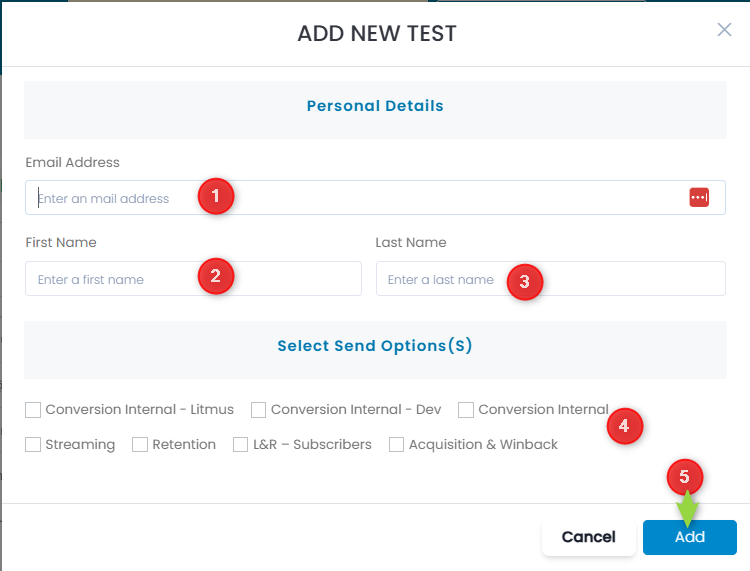
- Enter the recipients email address
- Enter the recipient’s first name
- Enter the recipient’s last name
- Select the group(s) they are a member of
- Click the Add button to save
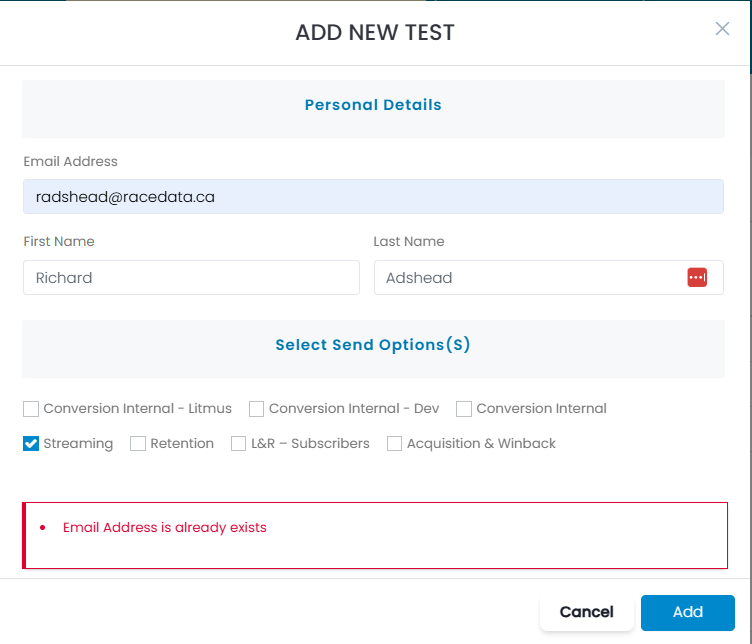
If the email already exists, an error occurs:
Managing Users:
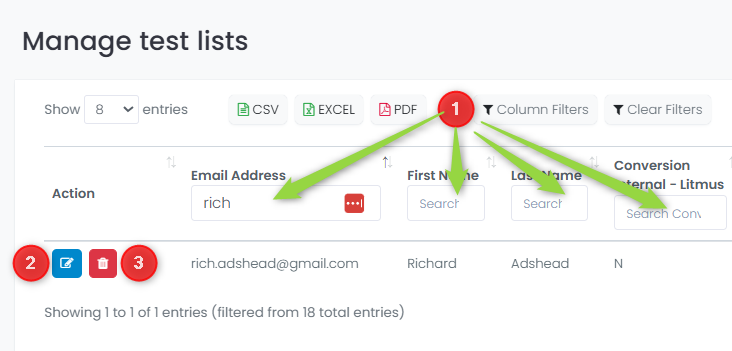
- Clicking the Column Filters button allows you to provide search details on any fields
- Click the edit button to update details on this recipient
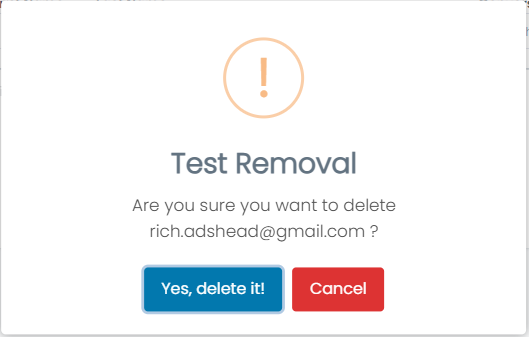
- Click the delete button to delete this recipient
Deleting a Recipient:
Editing a Recipient:
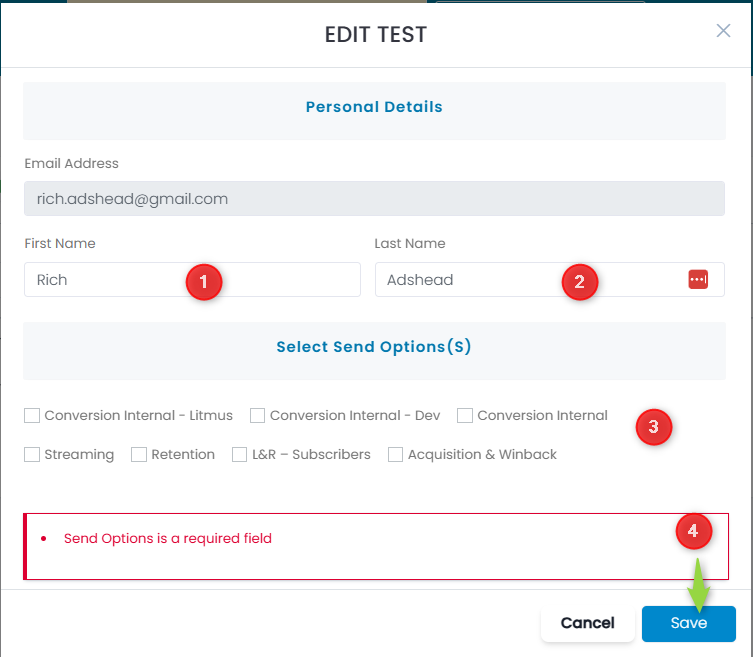
- Update the first name (if required)
- Update the last name (if required)
- Select or deselect the groups that this recipient is a member of (but note that at least one group should be selected or an error will occur as shown in the example above)
- Click the Save button to save changes or the Cancel button to discard changes